Free to start
Open your browser and start building. No downloads for ESP32 and no credit card.
Create a free accountFree block coding for ESP32 & Arduino
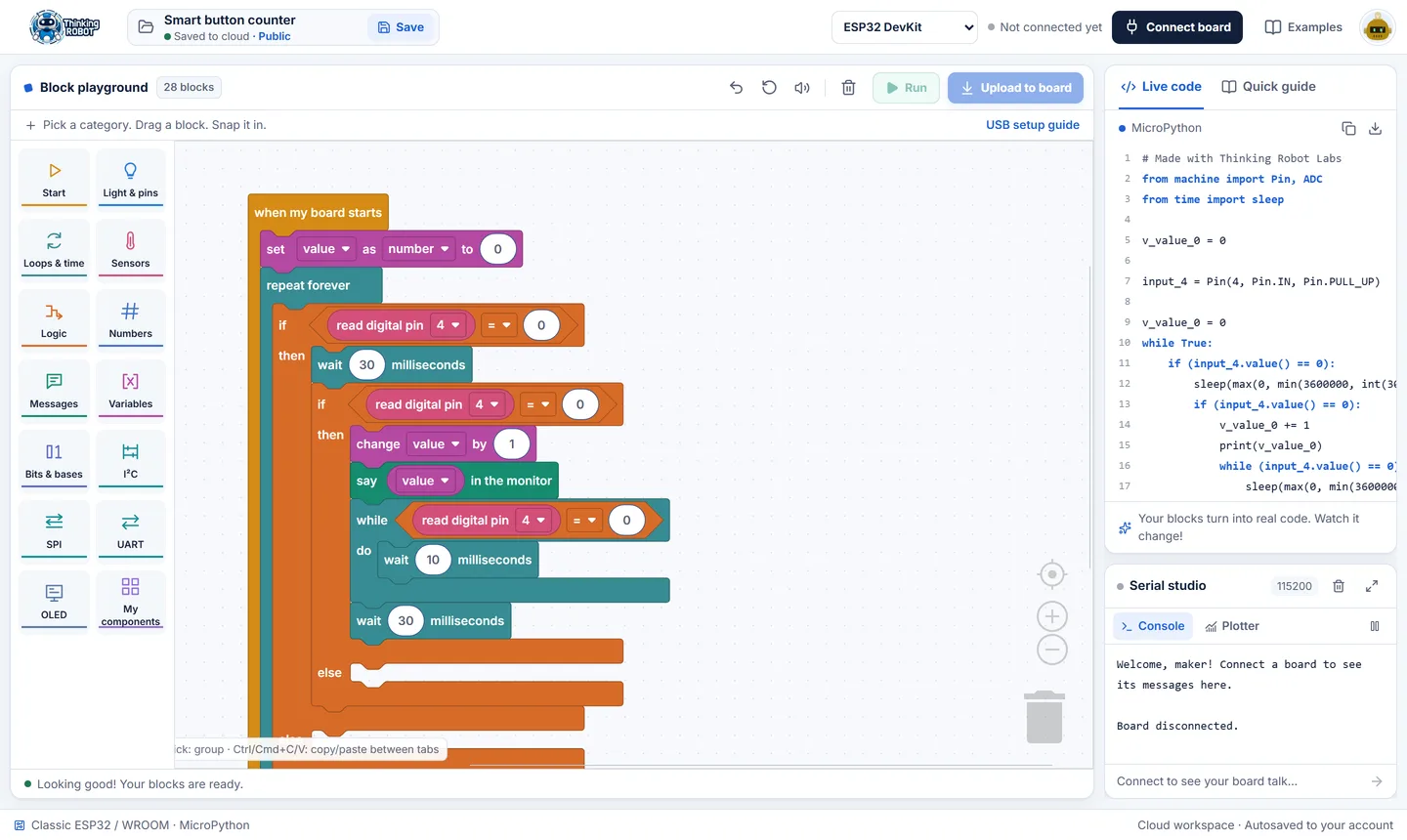
Thinking Robot Labs is an online block coding platform. Snap blocks together, see the real code, and upload it to your board — all from your browser.
Built by Thinking Robot for students, teachers and makers across India — from the very first blinking LED to complete robot projects.
Open your browser and start building. No downloads for ESP32 and no credit card.
Create a free accountYour blocks run on real ESP32 and Arduino boards — LEDs, motors, sensors and screens.
See supported boardsEvery block shows the real code it writes, so moving from blocks to text feels natural.
Explore projectsWhat is Thinking Robot Labs?
It's like building with LEGO, but for code. Each block is one instruction. Put them together and your board does it — blink a light, read a sensor, drive a motor.
Start buildingBlocks + code
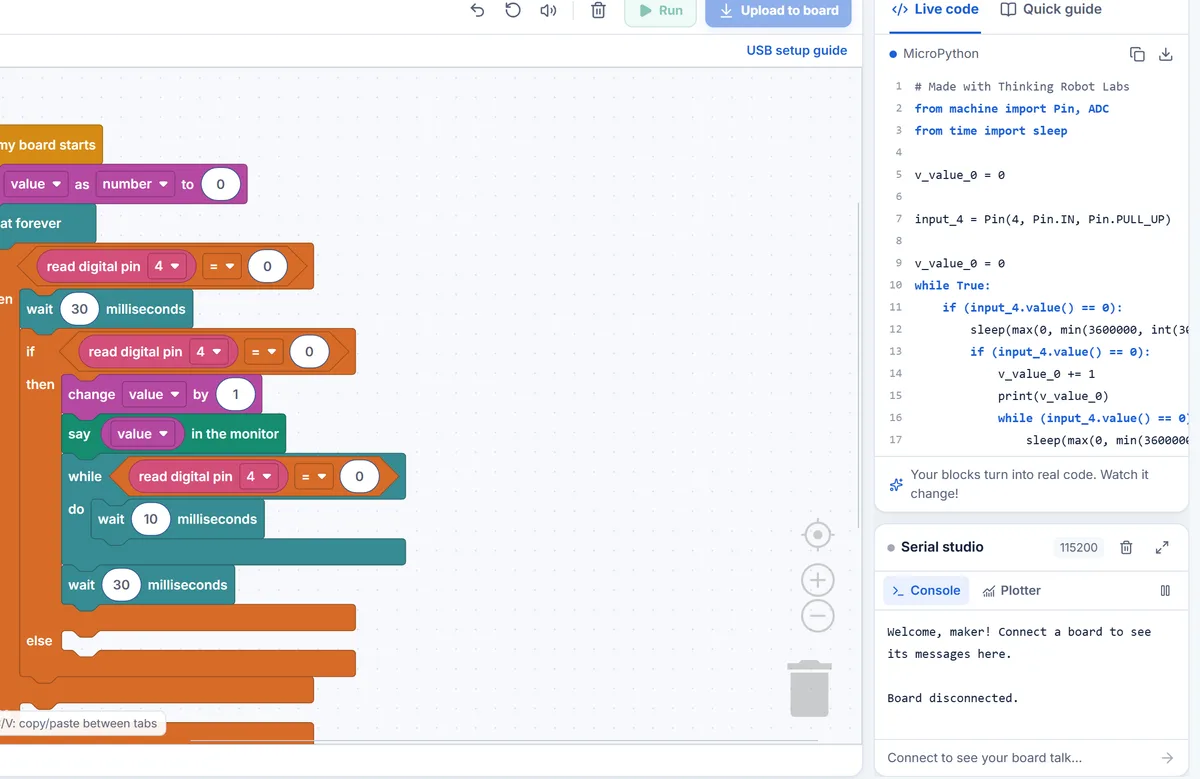
Pick a category, drag a block and snap it in. The live code panel updates as you build, so students learn real programming — not just puzzles.
Upload
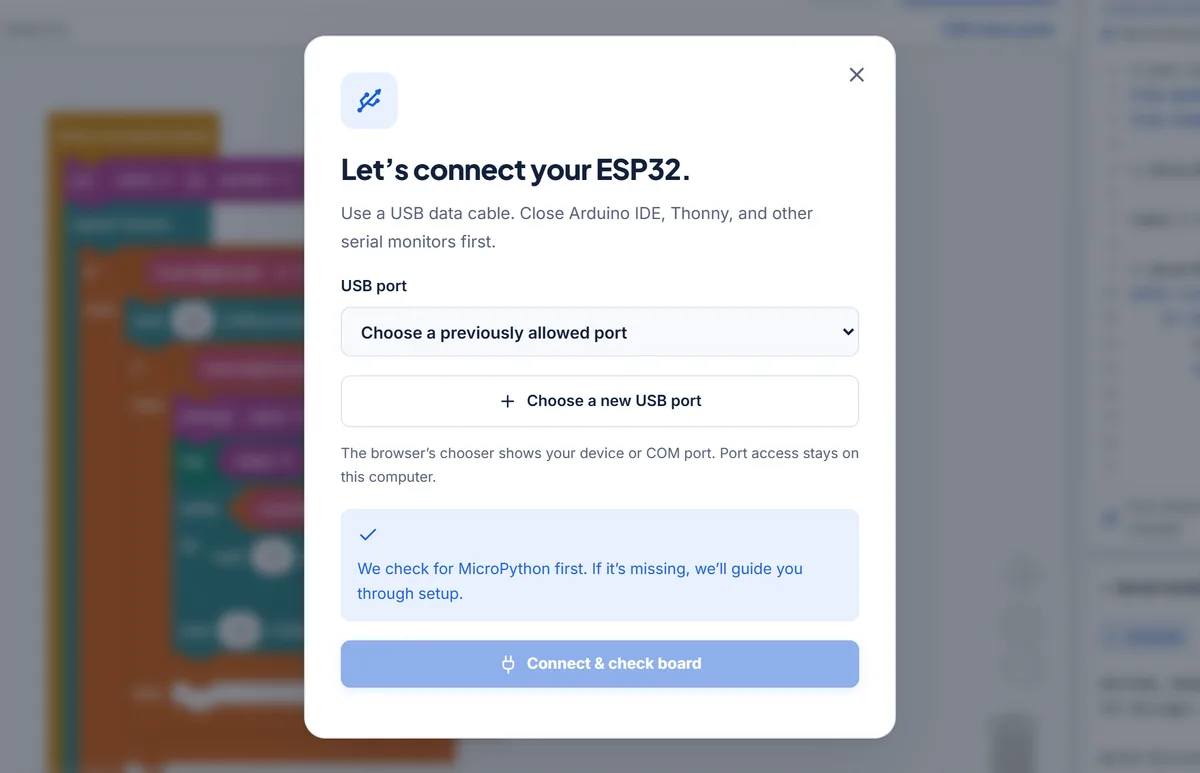
Connect your ESP32 with a USB cable and your program runs in seconds. Arduino boards use our small Windows helper app for compiling.
Share
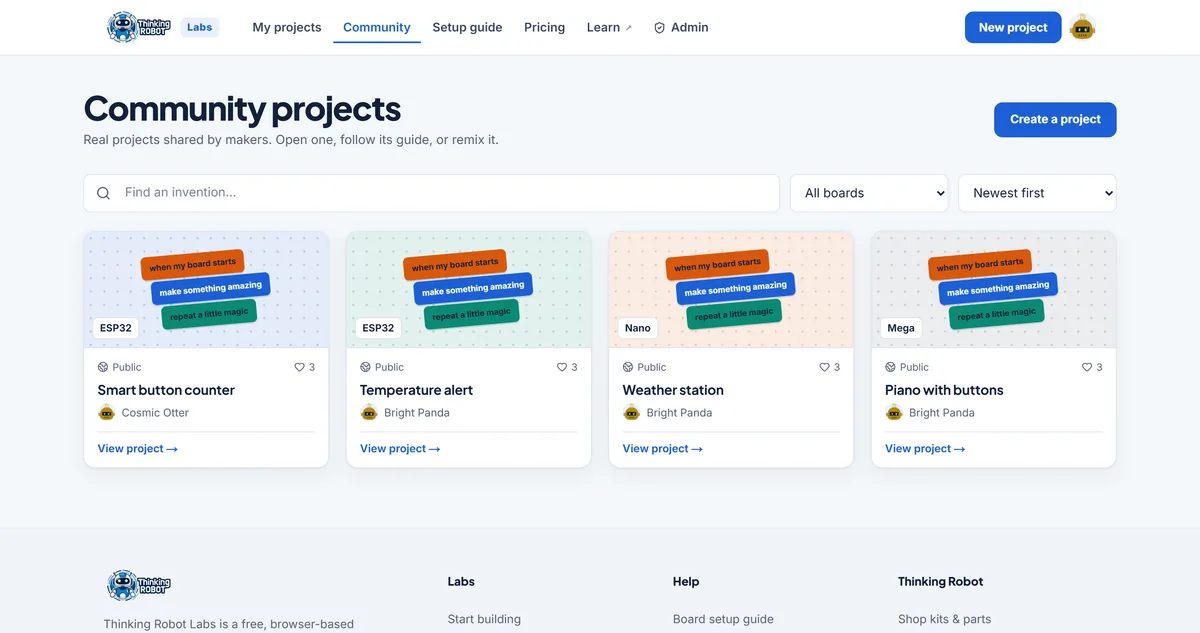
Publish a project with photos and steps so friends and classmates can build it too. Find something you like? Remix it and make it yours.
How it works
Sign up with email or your Thinking Robot account.
Start from an example or a blank project.
Connect your board over USB and watch it run.
Supported boards
MicroPython
Arduino C++
Arduino C++
Arduino C++
Need a board or kit? Get one from the Thinking Robot shop →
Run robotics and coding classes without installing software on every computer. Students save their own projects and you can share ready-made examples.
Pricing
₹0 forever
Coming soon
Pay once with UPI, cards or netbanking. No auto-debit.
Questions
Instead of typing code, you drag and connect blocks that each do one thing — like “turn LED on” or “wait 1 second”. Thinking Robot Labs turns your blocks into real code for your board.
ESP32 DevKit (MicroPython), Arduino Uno, Nano and Mega (Arduino C++).
Not for ESP32 — it works straight from Chrome or Edge. Arduino boards need our small free helper app on Windows to compile and upload.
Yes, you can start for free. Labs Pro unlocks unlimited projects for one simple yearly price.
School and college students, teachers running robotics classes, and any maker who wants to build faster.
Join students and makers building real electronics with Thinking Robot Labs.
Live plotter · USB upload · Sensors & displays